
You don’t necessarily need a DC→AC inverter to operate your Starlink system from a battery system. An inverter is only necessary if you’re using the factory 100–240V AC Starlink power adapter that came with your original kit.
Key Points on Using DC→AC Inverter to Power a Starlink Internet Setup
- An inverter converts the raw DC power from a battery system to 120V or 240V AC output.
- The supplied Starlink AC power adapter requires a 100–240V AC input.
- An inverter-based Starlink setup introduces avoidable conversion losses and power overhead.
- Starlink systems natively operate on DC power, thereby directly compatible with a battery

Interrelation Between DC Power, AC Power, and Starlink Powering
The primary power sources in adventure vehicles are battery systems and solar panels, both of which supply DC (direct current) power. DC power is typically used for low-voltage electrical systems and can directly power compatible low-voltage electronics.
Some devices, however, are designed to operate on high-voltage AC (alternating current) power. To run these devices from a battery or solar power system, you’ll need an inverter to convert the low-voltage DC input into AC output.
Some electronics, though, are seemingly AC-powered when, in reality, they natively operate on DC power. A perfect example is Starlink internet kits, which come with a 100–240V AC (50/60Hz) power adapter but usually operate on DC power.
Essentially, the supplied 240V AC power adapter steps down the AC input voltage and converts it into the DC output your Starlink system requires. This means:
- Starlink Mini—100-240V AC converted to 30V DC
- Starlink Gen 3—100-240V AC converted to 57V DC (also compatible with 56V DC)
- Starlink Gen 2—100-240V AC converted to 48V DC
- Starlink Gen 1—100-240V AC converted to 56V DC (also compatible with 57V DC)
Using an Inverter to Run a Starlink Internet Setup Off a Battery System
Like I said earlier, you will need an inverter to run any Starlink internet kit from a DC power source with the factory 240V AC adapter. This unlocks all the functionalities of your Starlink system, as it will be just like connecting the adapter to a standard 240V outlet at home.
Nonetheless, the power your whole setup draws from the battery will include the actual power consumption of the Starlink kit, overhead draw, and total conversion losses. Overhead draw refers to the baseline power consumption of the inverter and power adapter while running. Then, the conversion losses account for both the DC-to-AC step-up conversion by the inverter and the AC-to-DC step-down conversion from the Starlink power adapter.
When we consider the actual power draw and conversion losses, an inverter becomes outright inefficient for running your Starlink setup while off-grid. It’s even worse if the inverter has low efficiency (high conversion losses) and high overhead draw.
High-end brands, though, often factor in conversion losses and baseline draw under their peak efficiency ratings. This means that a maximum efficiency rating of 90% will account for both baseline idle draw and conversion losses within the remaining 10%. If you perform the electrical calculations yourself, the resulting real-world consumption estimate will be highly accurate.
Generic brands, on the other hand, tend to separate the two, treating “maximum efficiency” as a measure of the conversion circuitry alone. In this case, the baseline overhead consumption of other components, such as fans, microprocessors, and displays, will be accounted for separately.
Inefficiency of Using an Inverter to Run a Starlink Internet Setup Off a Battery
Regardless of how they treat efficiency, inverters are not ideal for running Starlink internet systems in vehicles— vans, cars, trucks, RVs, 4WD rigs, or even boats. All Starlink kits currently on the market can be powered directly from a DC power source (a battery or solar setup), avoiding the conversion losses and idle draw associated with the inverter and 240V adapter.
Many people tend to overlook the 10% inverter losses (or even 5%), but these losses can make a huge difference when you’re completely off-grid.
If we consider a Victron Phoenix 3000W inverter (valued AU$1,460 in Australia or $1,100 in the US) with 93% peak efficiency…at maximum load, 210W is lost to overhead draw and DC→AC conversion losses. Over 24 hours, those losses alone would amount to 5,040Wh.
Even when using the same inverter to run only the Starlink system—say the Starlink Mini—you can expect a total draw of 45W to 80W or more, depending on the activity. This equates to a power consumption of 1,080Wh to 2160Wh or more over 24 hours.
Over the same period, running the Starlink Mini directly from a battery will draw an average of only 22W to 30W, rising to 40W to 60W under heavy loads. This means the total power drawn from your battery will typically be around 528Wh per day, saving you over 500Wh to 1,600Wh or more daily.
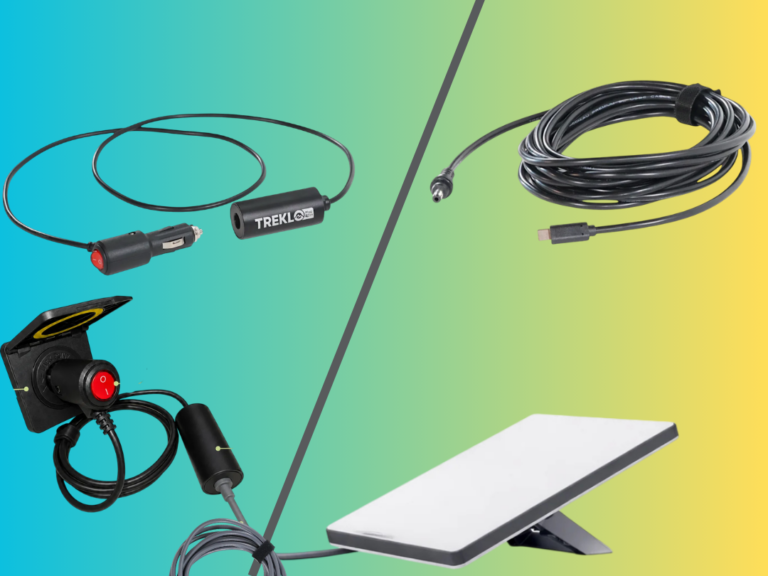
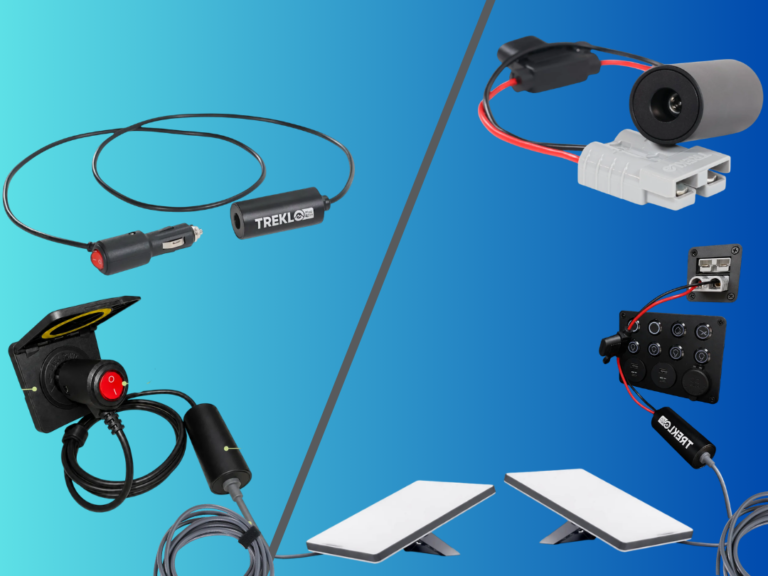
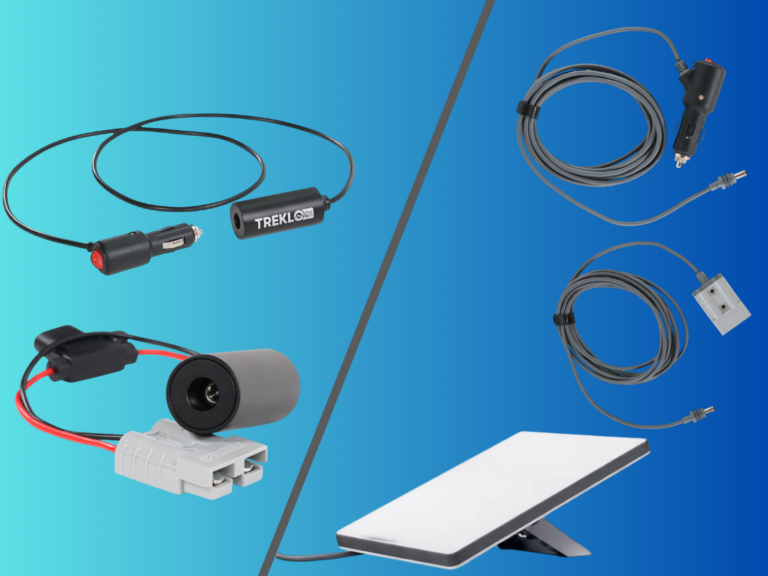
Nonetheless, you’ll need the correct DC-DC power supply adapter to operate your Starlink system effectively and efficiently from a battery or solar setup. With the wrong adapter, your Starlink setup may fail to start, shut down prematurely (after just 10 minutes), or get stuck in a continuous boot loop.